
Manage GST Returns for All Your Clients From One Dashboard
Track GSTR-1, GSTR-3B, GSTR-9 filing status for every GST client. Know which returns are pending, in progress and filed — without opening a single spreadsheet.
The GST Management Challenges CA Firms Face
No Consolidated GST Status View
With 100+ GST clients, it is impossible to know which ones have pending GSTR-3B this month without checking each one individually in a spreadsheet.
Client Data Arrives Late
Clients send purchase and sales data late, leaving insufficient time to prepare and file returns before the deadline — leading to last-minute panic.
Filing Status Not Updated in Real Time
Once a return is filed, the status is often not updated in any central record — leading to confusion about whether a return is actually done.
No Clear Responsibility Assignment
When multiple staff handle GST filings, it is unclear who is responsible for which client's return — leading to duplicated work or returns being missed entirely.
GST compliance is the most recurring workload for most Indian CA firms. With GSTR-1 and GSTR-3B due every month, GSTR-2B reconciliation, GSTR-9 annually and multiple other forms depending on the client type — managing GST for even 50 clients becomes a significant operational challenge. The challenge is not just remembering the due dates. It is tracking the current filing status for each client, ensuring the right data is received from the client in time, assigning the work to the right team member, and confirming that every return has been filed before the deadline. CATeam's GST management module gives you a consolidated view of all your GST clients and their filing status — so you can manage the GST season with confidence rather than chaos.
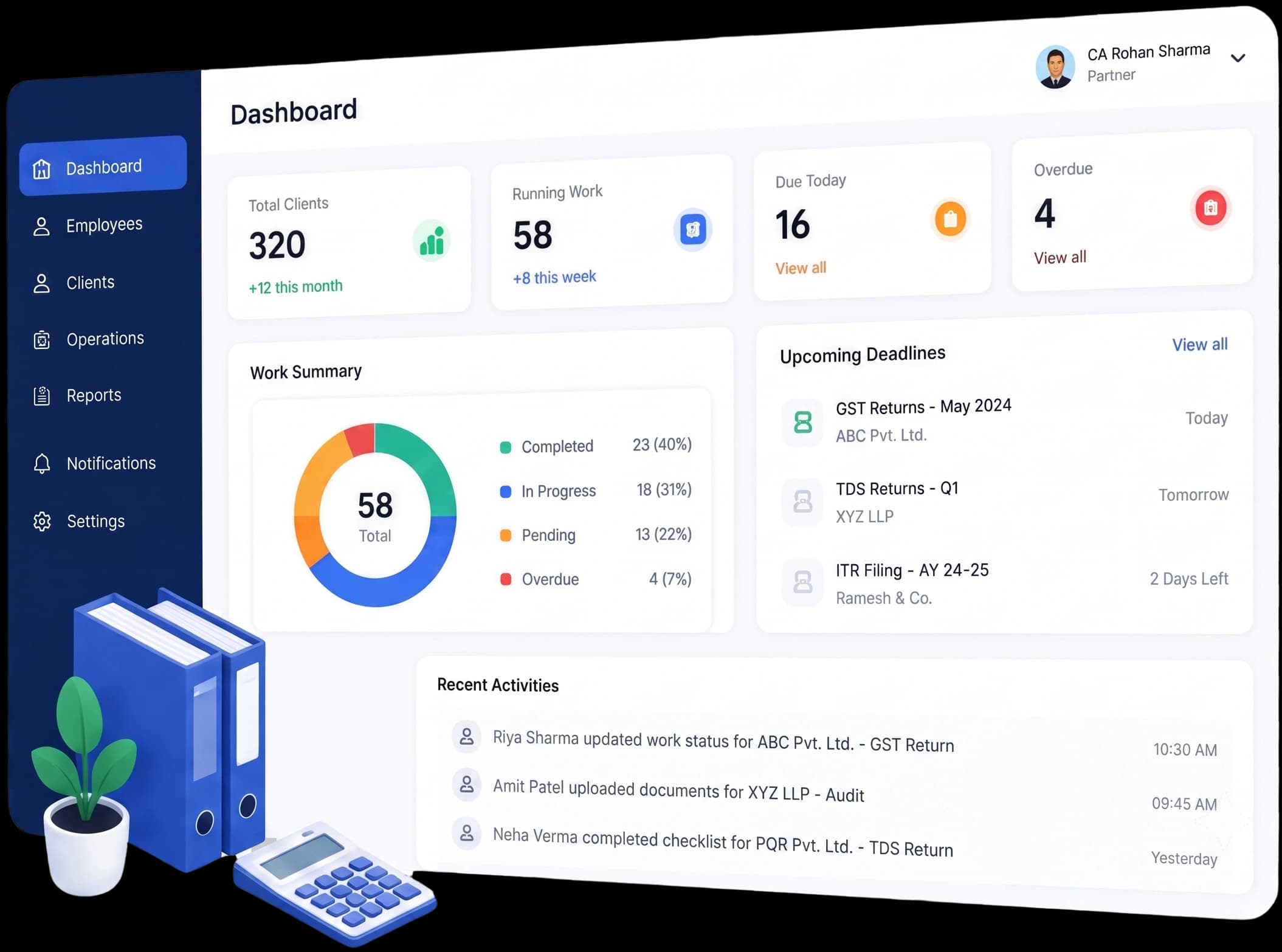
Complete GST Management for Indian CA Firms
GST Client Dashboard
See all your GST clients in one list with their current month's GSTR-1 and GSTR-3B filing status — Pending, In Progress or Filed.
Automatic GST Due Date Tracking
All GSTR-1, GSTR-3B, GSTR-9 and other due dates are pre-loaded and assigned to each client automatically. No manual entry needed.
Staff Assignment for Each Return
Assign each client's GST work to a specific team member. Everyone knows who is responsible for what — no more ambiguity.
Pre-Deadline Reminders
Automatic reminders go out to your team before GSTR-1 (11th) and GSTR-3B (20th) deadlines so work is completed well in advance.
Filing Confirmation & Acknowledgement
Mark each return as filed and store the acknowledgement number. Build a complete GST compliance history for every client.
Monthly GST Summary Report
See how many GST returns are due, how many are filed and how many are pending at any point in the month.
Managing GST Returns with CATeam
Add GST Clients
Add your clients and mark them as GST-registered. Enter their GSTIN and assign the relevant GST returns — GSTR-1, GSTR-3B, GSTR-9.
Assign to Team
Assign each client's GST work to a team member. They receive the task automatically with the due date and client details.
Track Filing Status
Monitor the status of all GST filings on your dashboard — which are done, which are in progress and which are still pending.
Record & Archive
Once filed, record the ARN (Acknowledgement Reference Number) and mark the return as complete. Build a permanent GST filing history.
CATeam supports the complete range of GST returns that Indian CA firms file on behalf of their clients. Regular filers have GSTR-1 (outward supplies) due on the 11th and GSTR-3B (summary return) due on the 20th every month. Quarterly filers under the QRMP scheme have different due dates. Annual returns (GSTR-9) and reconciliation statements (GSTR-9C) for applicable clients fall due in December. All of these due dates and return types are built into CATeam — no manual configuration required.
Beyond deadline tracking, CATeam helps your firm build a culture of structured GST management. When a new compliance month begins, tasks are automatically created for each GST client and assigned to their designated team member. Your team starts the month with a clear to-do list, and you can monitor progress from your management dashboard throughout the month.
GST Management — Frequently Asked Questions
Bring Order to Your GST Practice
Stop tracking GST filings in Excel. Try CATeam free for 12 days and manage all your GST clients from one dashboard.
Start Free Trial